Igloo Software •7 min
Making Page Creation Usable at Scale
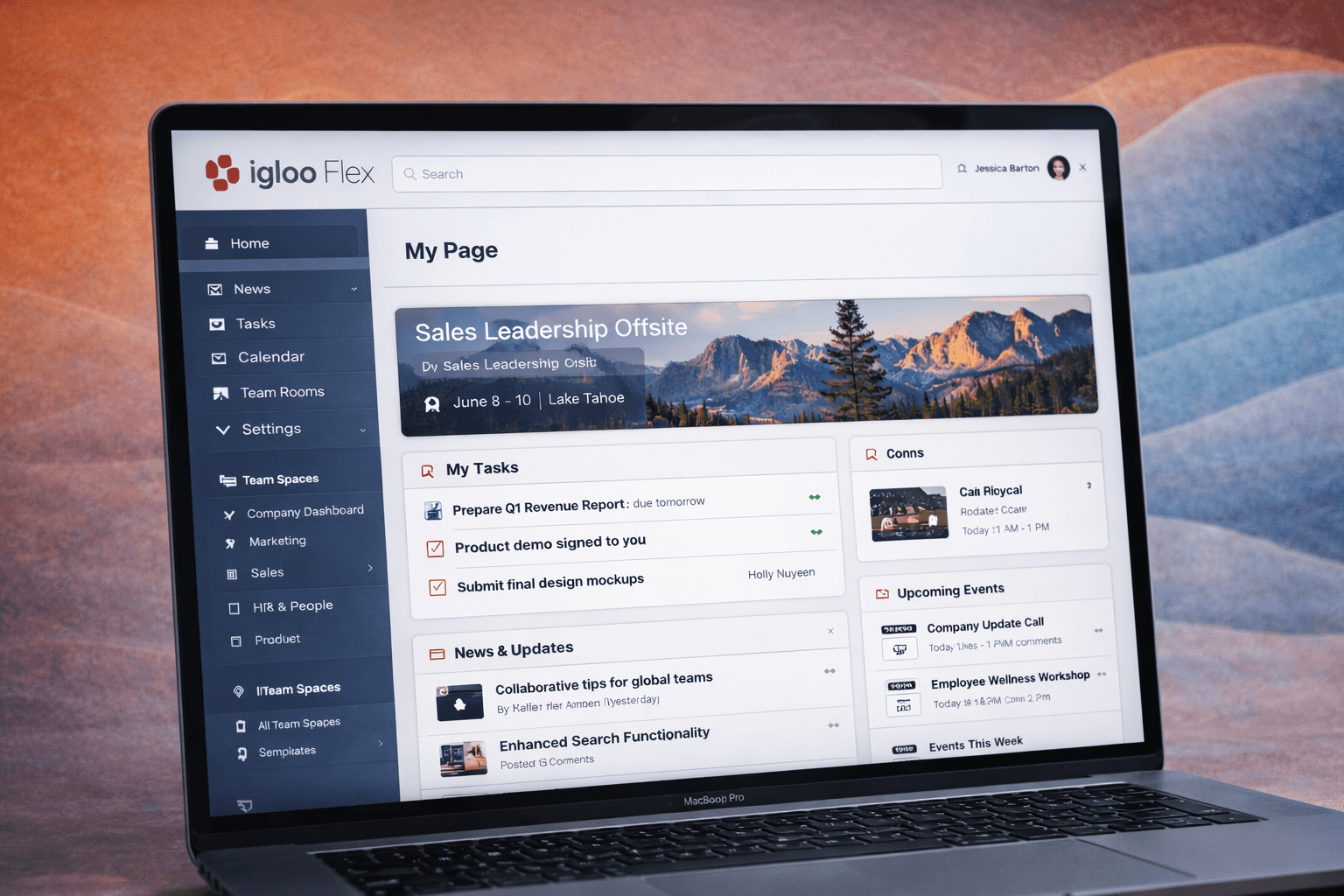
Confidentiality notice
This work reflects my time at Igloo Software. Specific customer data and internal details have been generalized to focus on platform strategy, system design, and UX leadership outcomes.
Challenge
The Classic Page Builder was inconsistent and difficult to use, requiring trial and error and making it hard for non-technical users to create reliable, scalable page layouts.
Strategy
We shifted from improving a flexible tool to defining a structured system, introducing shared patterns, templates, and components to make page creation more predictable and scalable.
Results
Page creation became faster and more consistent, enabling non-technical users to build with confidence while maintaining a scalable, coherent experience across the platform.
Challenge
Evolving a broken page creation experience
The original Page Builder in Igloo Classic was not designed as a true product capability. It functioned, but relied heavily on trial and error, inconsistent behaviours, and loosely defined patterns.
Administrators — often communications managers or IT leads — were expected to assemble pages without clear guidance. The experience lacked structure, making it difficult to understand the layout, placement, and how components should work together.
Even simple tasks required experimentation. Outcomes were inconsistent, and the quality of pages varied widely depending on who built them.
As Flex moved toward broader customer adoption, this approach could not scale. Page creation needed to evolve into a dependable, intuitive system that non-technical users could use with confidence.
Strategy
Designing a system, not just a builder
We reframed the problem from improving a tool to defining how page creation should work across the platform.
Alignment
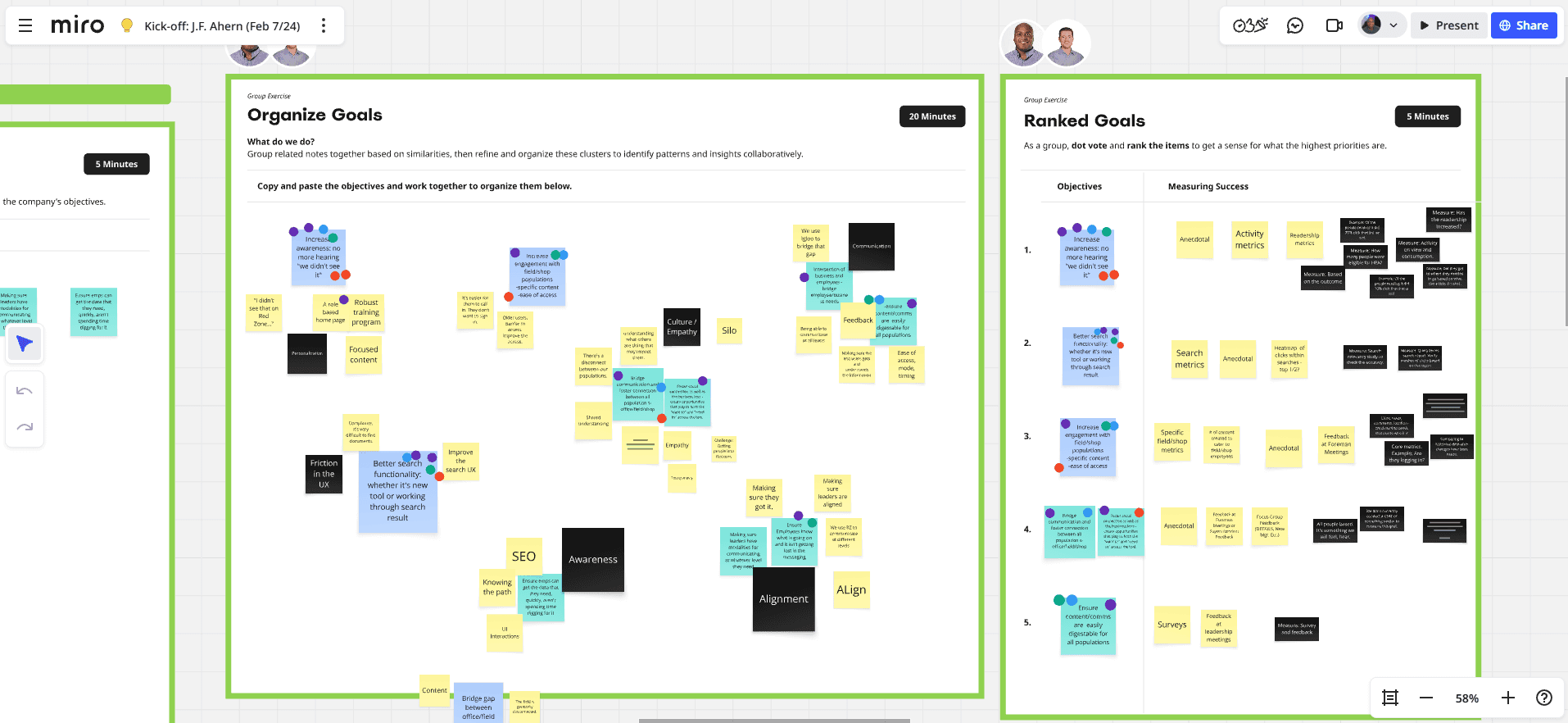
Aligning on the problem
Before designing solutions, we worked closely with Product and Engineering to align on the scope and constraints. Early discussions focused on:
What happens if we do nothing
What is the minimum viable improvement
Whether multiple builder models should coexist
The trade-offs between flexibility and engineering complexity
This ensured we were solving the right problem before committing to a direction.
Understand
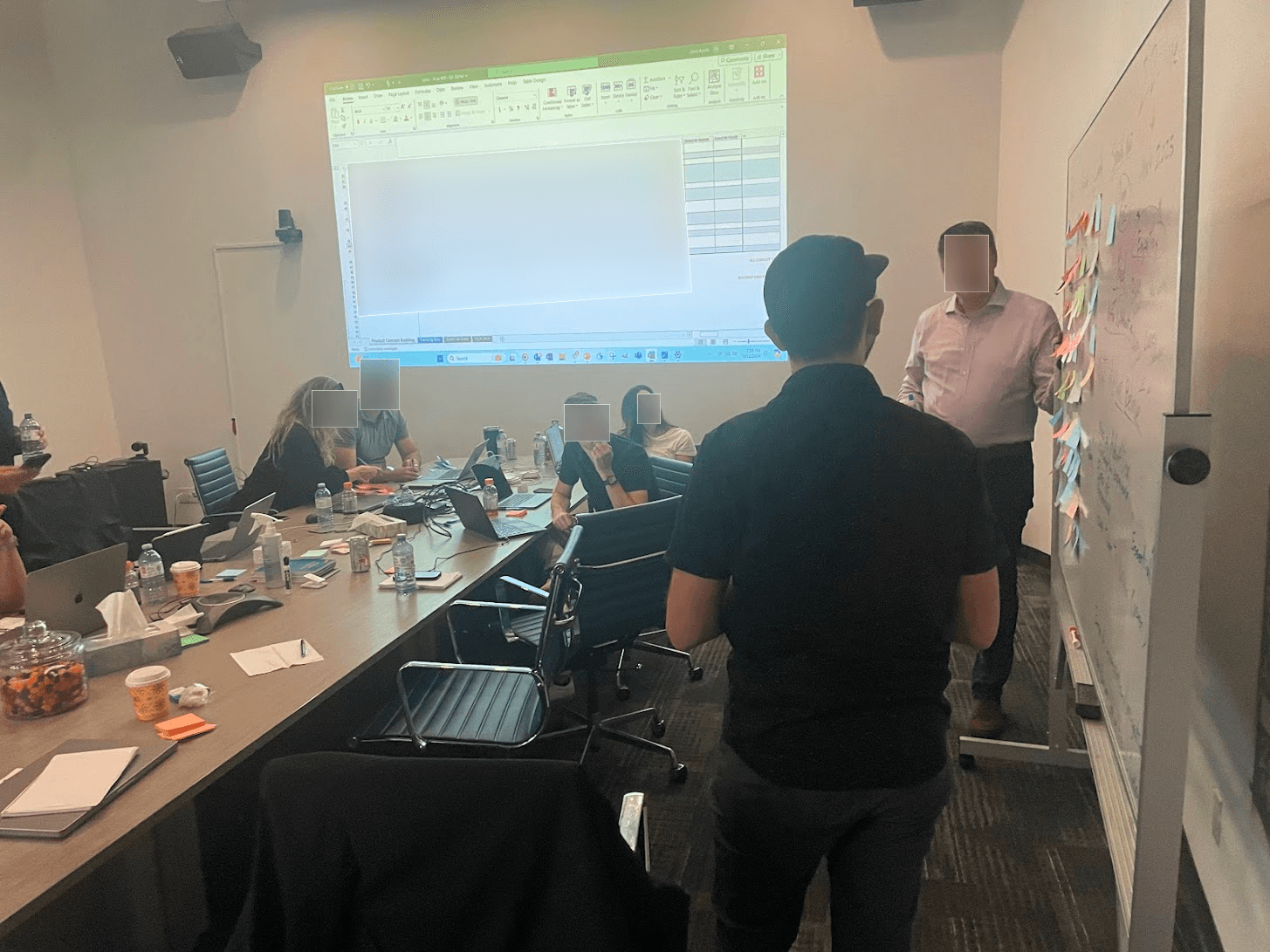
Understanding real usage
To ground our approach, we examined how organizations actually structured their digital workplaces.
Across customers, common patterns began to emerge:
Department hubs
News and announcement pages
Resource directories
Team collaboration spaces
These patterns revealed that most users were not creating entirely unique pages. They were repeating familiar structures.

Exploration
Exploring solutions
We explored multiple approaches to improving the builder, ranging from incremental UI improvements to more structured models.
A key realization emerged: The Page Builder was not just an interface problem. It was a system design problem
It needed to support:
Page structure
Layout consistency
Widget configuration
Templates
Branding and theming
Improving isolated interactions would not address the underlying complexity.
Definition
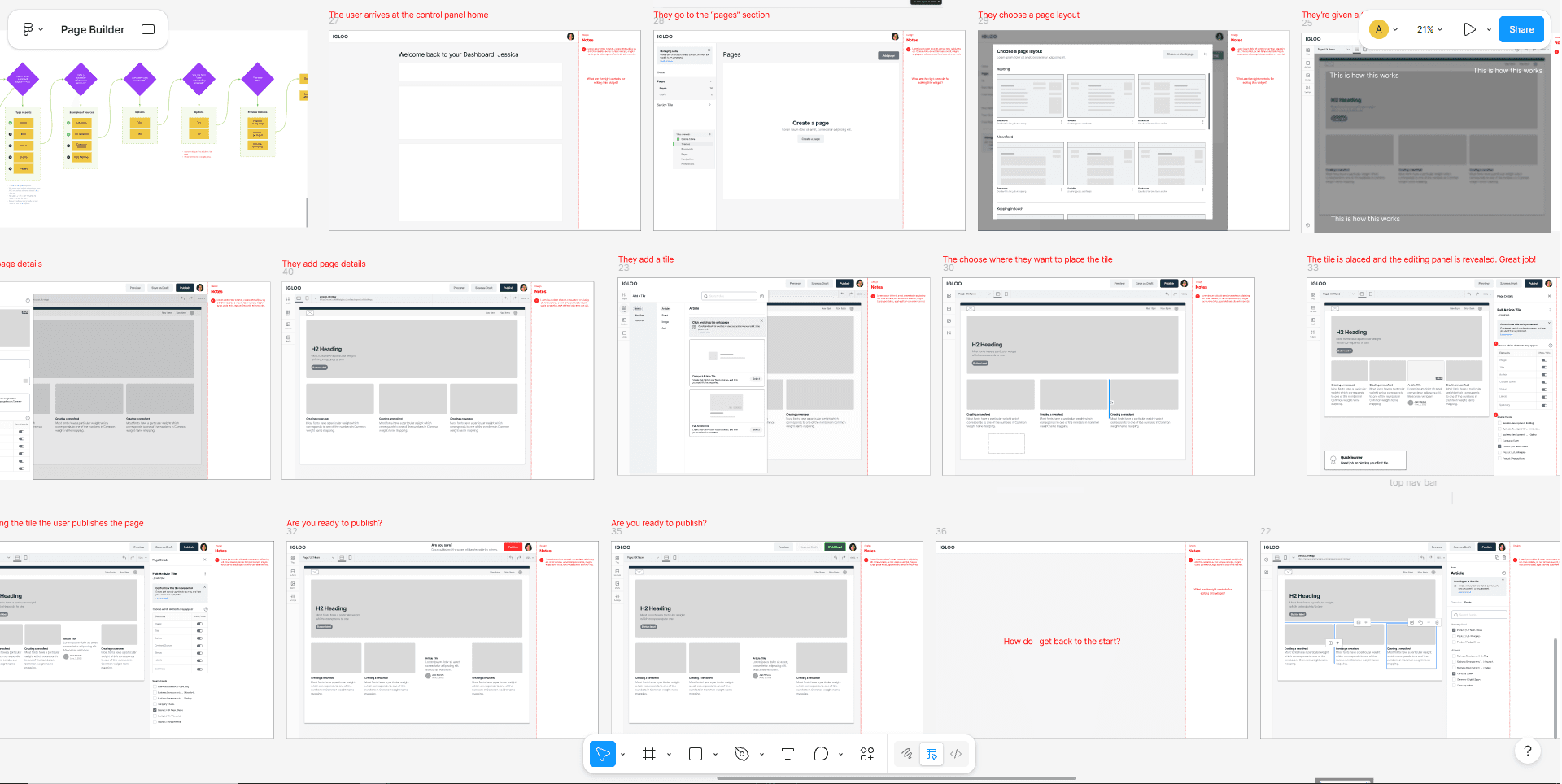
Defining the system
Based on these insights, we shifted toward a structured configuration model rather than open-ended creation.
The system introduced:
Structured components: Reusable building blocks with defined behaviours and layout rules
Templates: Predefined starting points based on common page types
Global styling: Centralized controls to maintain brand consistency
Inline guidance: Contextual support to reduce guesswork during page creation
This approach reduced ambiguity while still allowing flexibility where it mattered.
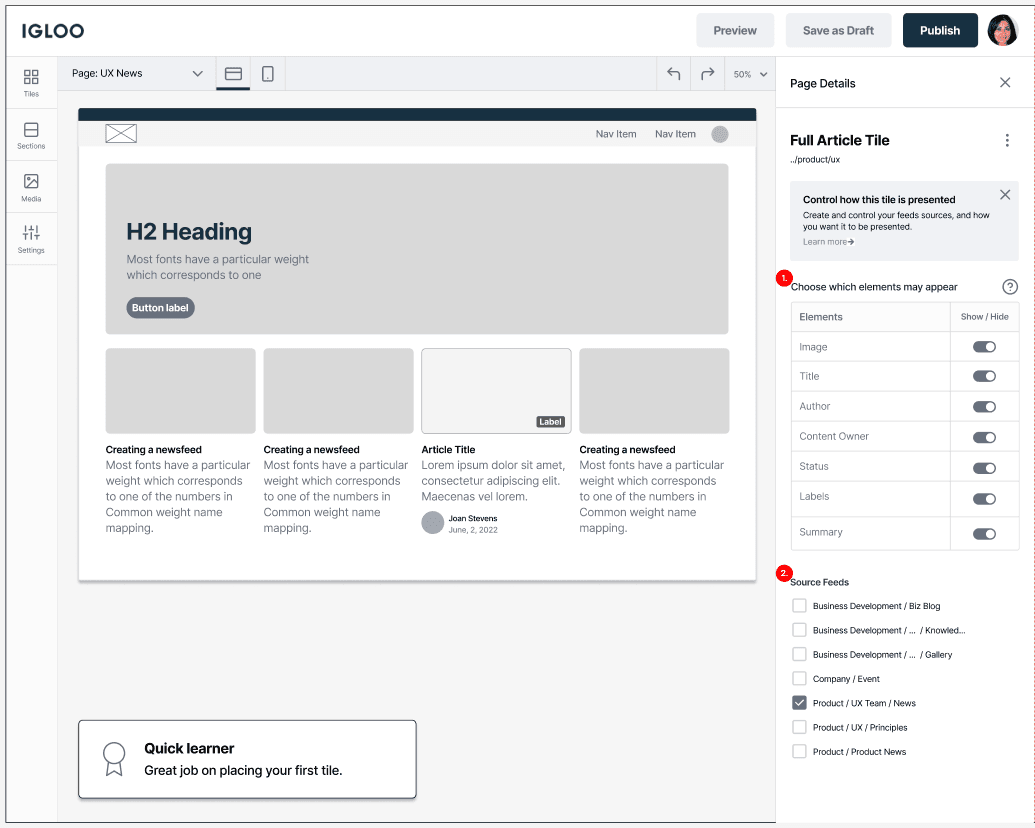
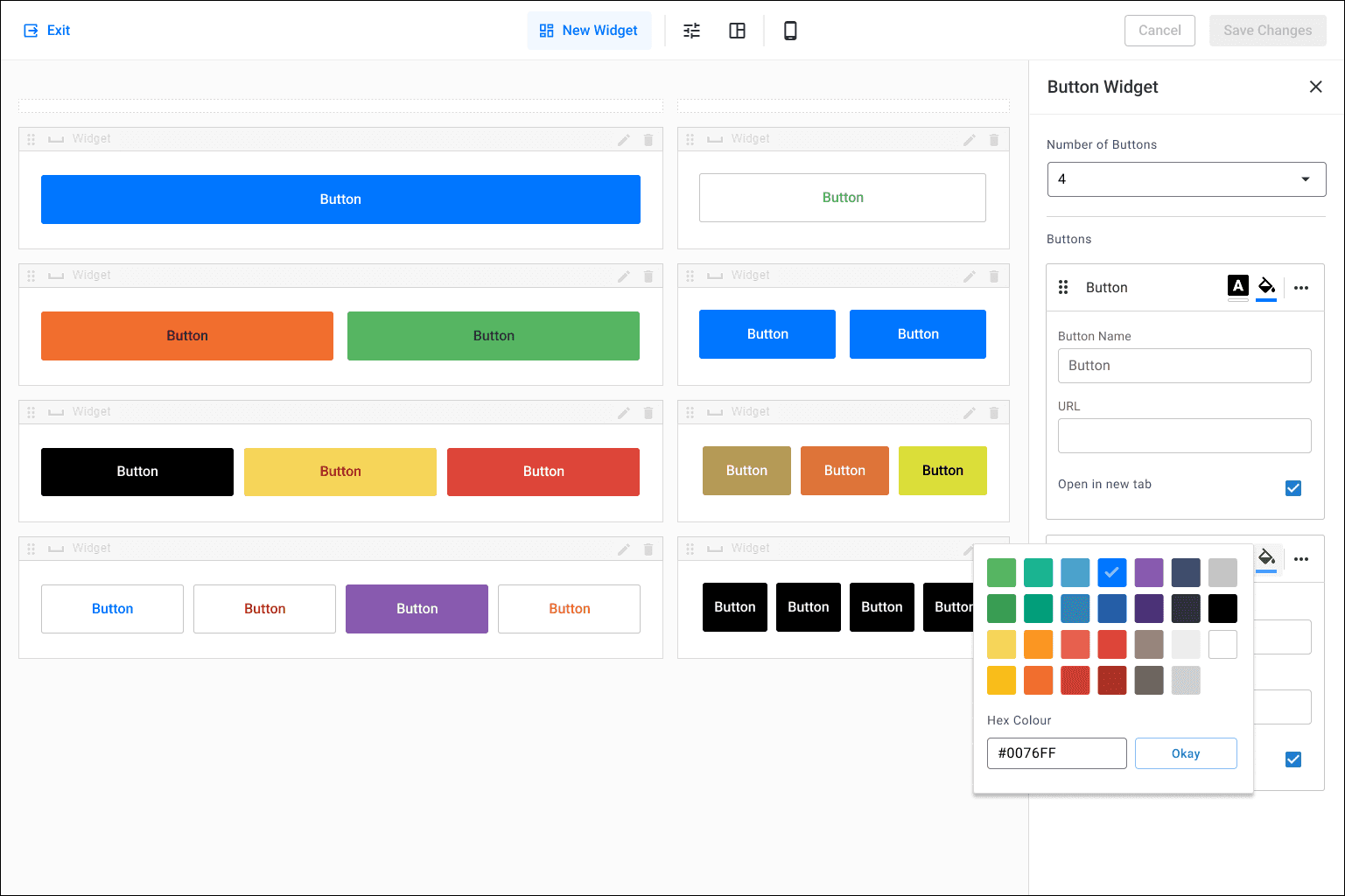
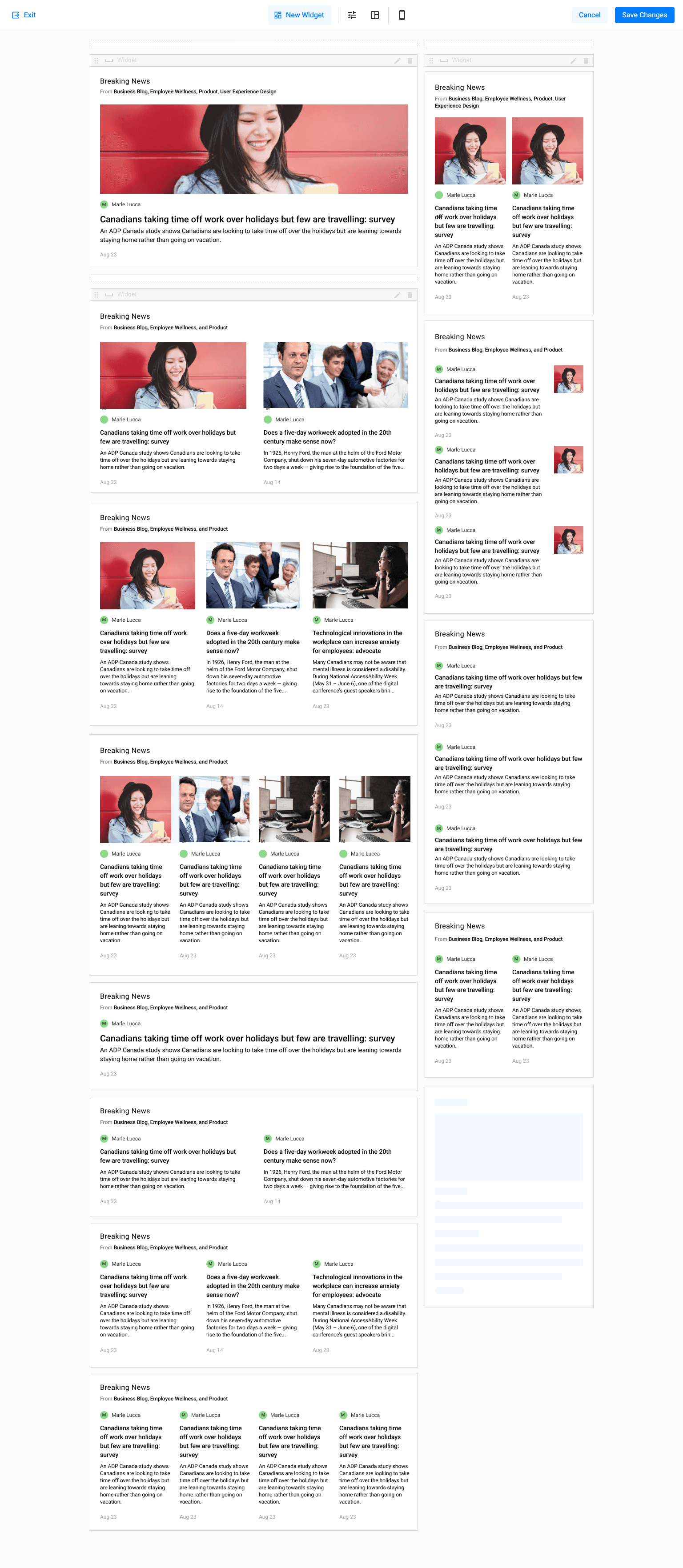
A unified system of components and layouts replaced one-off designs,
improving consistency and scalability.
Scaling
Scaling across teams
As the system matured, my role expanded into UX leadership.
I worked across feature teams to:
Ensure new components aligned with the design system
Maintain consistency across workflows
Lead design reviews and align stakeholders
Prevent the reintroduction of one-off solutions
This helped ensure the Page Builder evolved as part of a broader, scalable platform.
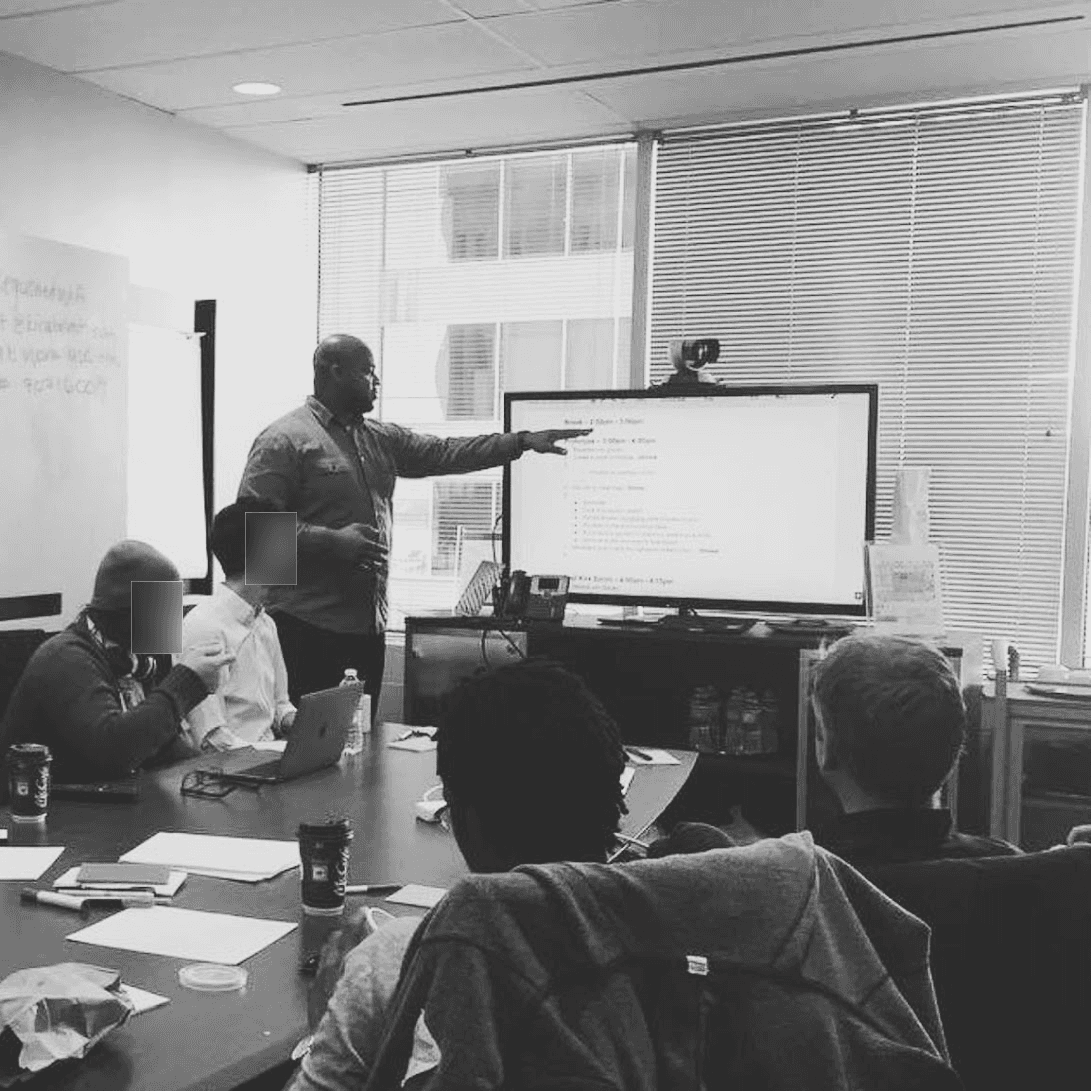
As the system scaled, I led cross-team alignment to ensure consistency,
quality, and long-term cohesion.
Results
A scalable foundation for page creation
The Page Builder evolved from a fragile tool into a core capability within Igloo Flex.
Administrators could now build pages without needing design expertise. Structured components and templates reduced trial and error, making page creation faster and more predictable.
Shared patterns replaced one-off layouts, improving consistency across environments and preventing fragmentation as the platform scaled.
The system enabled teams to build with greater confidence while maintaining a coherent experience across the product.
Page creation became not just easier, but scalable.
Engagement
48%
Increased engagement by 48% through improved structure and discoverability
Efficiency
30%
Reduced time spent supporting customers in setting up their digital workplaces
Adoption
20%+
Increased user adoption compared to Classic within 60 days of onboarding
Lessons
Balancing flexibility and structure
Designing tools that allow users to build experiences requires balancing freedom with structure.
Too much flexibility leads to:
Inconsistent layouts
Poor user experiences
Increased maintenance complexity
Too much constraint limits adaptability.
By introducing structured components, templates, and guided configuration, we enabled users to create pages quickly while preserving the integrity of the platform.
Igloo Software • 7 min
Igloo Software • 5 min